A Windows code editor built in Rust
Built in Rust for web developers on Windows. MCode opens quickly and stays easy on memory, so Next.js, Vite, or React projects run smoothly even on older laptops.
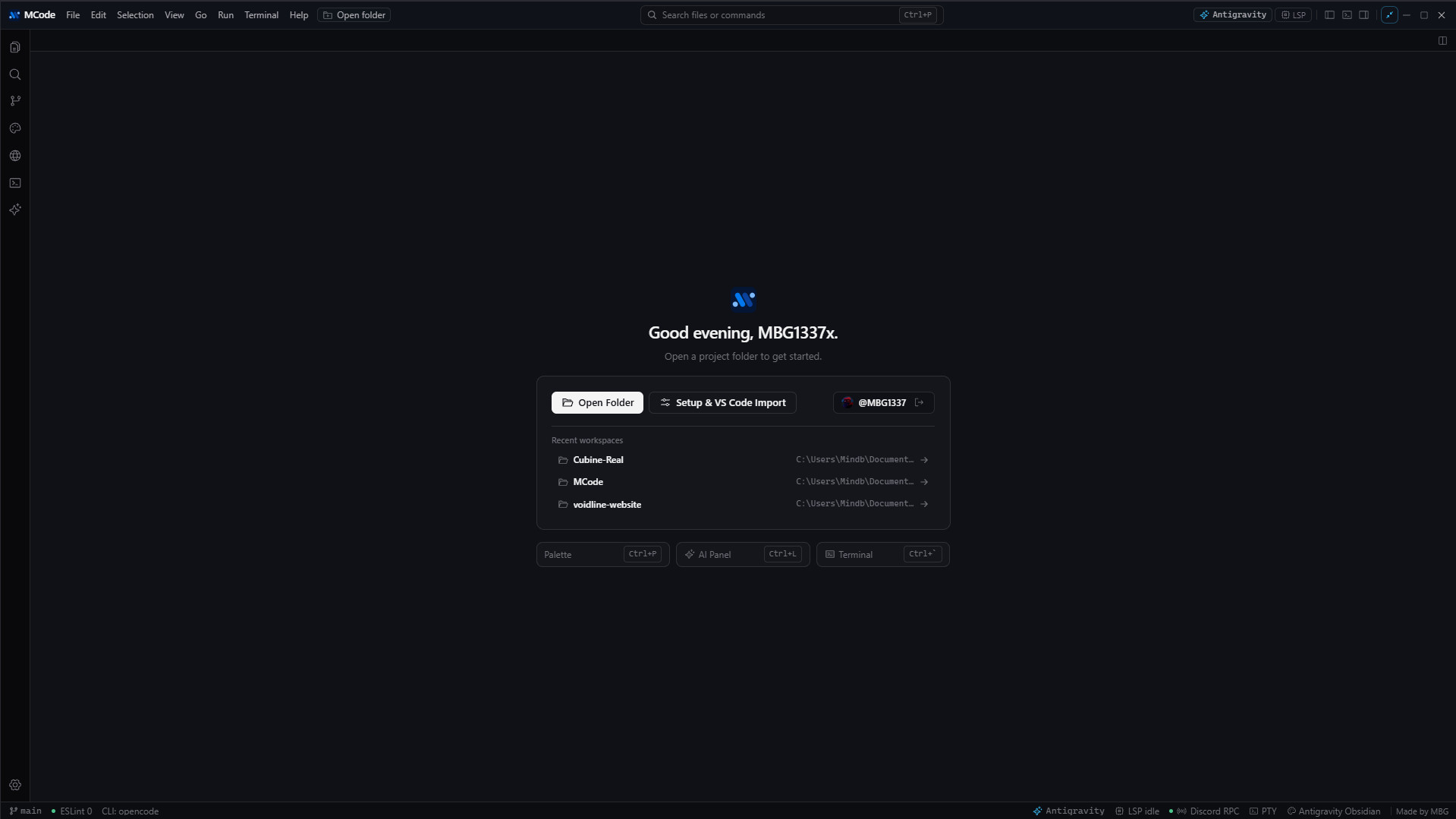
Clean workspace, out of your way
Explorer, editor, terminal, and Git sit in one dark window without cluttering your screen.
Made for everyday web work
Keep your editor, terminal, Git workflow, and localhost preview together without slowing down your laptop.
Edit, lint, and commit in one place
A compiled Rust backend handles file search, Git staging, and your terminal in the same window as TypeScript and ESLint checks, so 4 GB and 8 GB laptops keep plenty of RAM for your browser and dev server.
Built for laptops on battery
If your laptop slows down with a browser and dev server open, Eco Mode turns off background blur and UI transitions in one click. Try it on this page.
Nav and panels switch to solid surfaces
Hover and tab animations drop to 0ms
Keeps typing steady on integrated graphics
Download MCode — Version 0.1.0
Grab the Windows setup installer (.exe) or MSI package from GitHub Releases. Works on Windows 10 and 11 (64-bit) and installs into your user folder.